
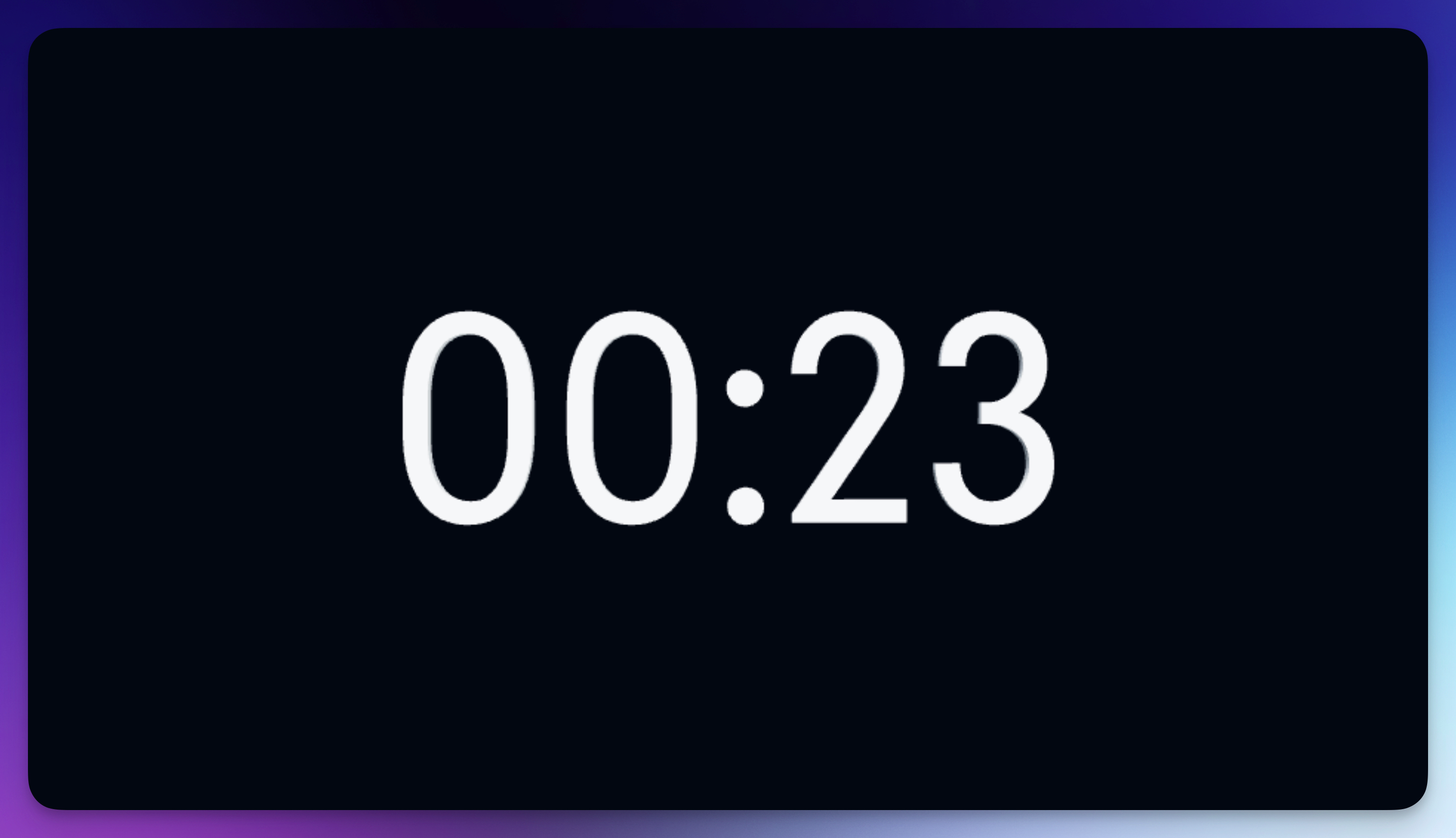
The Time Display element shows the current playback time as 3D extruded text. It updates in real-time as your video plays, displaying minutes and seconds (or hours for longer content). Perfect for podcasts, DJ sets, countdowns, or any content where showing the current timestamp adds value.
Properties
Font
Choose from hundreds of Google Fonts. Monospace fonts work particularly well for time displays as digits maintain consistent width.
Appearance
Text Color: Sets the color of the time display.
Opacity: Controls transparency (0–1).
Metalness: Adds metallic reflections (0–1). Great for sleek, modern timer looks.
Roughness: Controls surface smoothness (0–1).
Thickness: Sets the 3D extrusion depth (0–2).
Outline
Enable Outline: Adds a contrasting outline around the digits.
Outline Thickness: Controls outline width (0.01–0.5).
Outline Color: Sets the outline color for better visibility.
Animation (3D Mode)
Rotate Automatically: Enables continuous rotation.
Rotation Speed: Controls auto-rotation speed (0.1–1).