
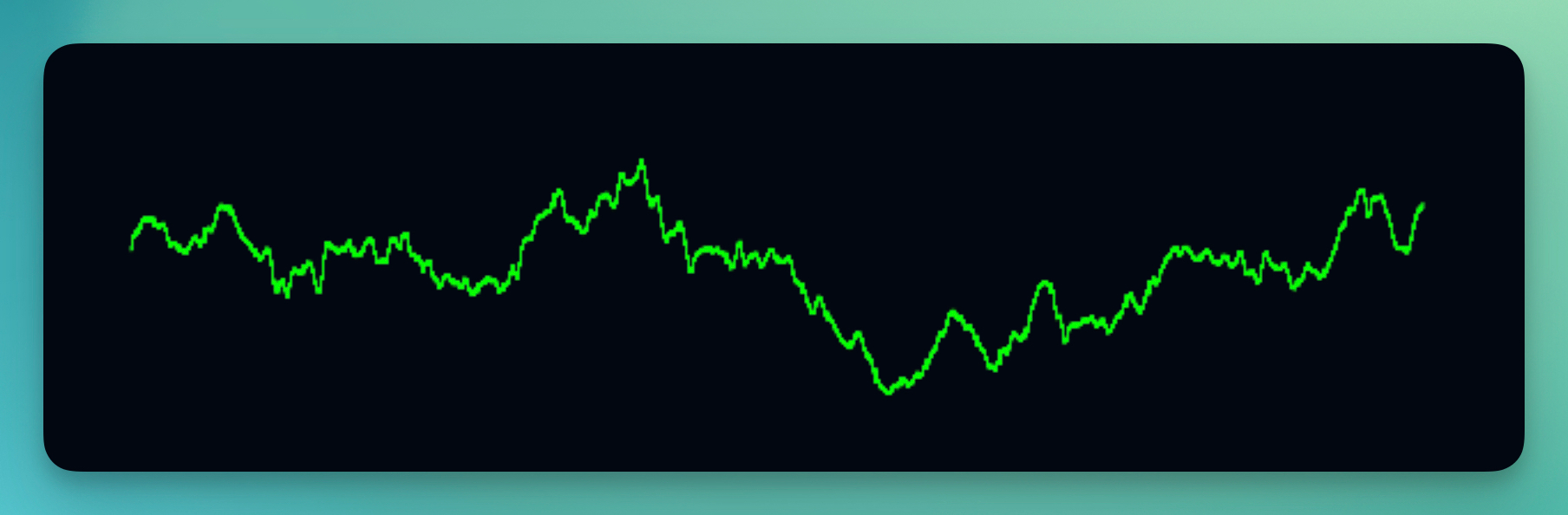
The Oscilloscope visualizer renders your audio as a continuous line that traces the actual sound wave shape in real-time. Inspired by classic laboratory oscilloscopes, it creates a technical, scientific aesthetic that works great for electronic music, synthwave, and retro-futuristic visuals.
Properties
Color
Choose the color of the oscilloscope line. Bright greens and cyans give a classic CRT monitor look, while other colors can match your project's style. Animate with keyframes for dynamic color changes.
Opacity
Controls how transparent the oscilloscope appears (0–1). Lower values create a subtle, ghostly effect.
Mode
- Free follows the audio without trigger alignment, so the waveform moves freely.
- Pitch (default) aligns the waveform to a repeatable crossing for a steadier view. Time Span controls how much audio is shown.
- Single cycle fits one detected period across the width, revealing the shape of a bass or synth sound. It works best with clearly periodic audio in the 40–1000 Hz range. If no clear period is found, it falls back to a pitch-aligned 46.4 ms view.
Single cycle determines its own duration, so Time Span is hidden in this mode. Your saved Time Span settings are retained when switching modes.
Time Span (ms)
In Free and Pitch modes, sets how much audio fits across the waveform (5–200 ms, default 46.4 ms). Shorter spans zoom in on individual oscillations; longer spans show more cycles. This changes the horizontal zoom, not playback speed. You can animate it with keyframes or audio modulation.
Sample Count
Sets the number of points used to draw the waveform (256–4096, default 2048). Higher values show finer detail but take more processing. Changing the sample count does not change the time span, height, or playback speed. Use a higher count for longer time spans; low counts can miss brief peaks and high-frequency detail.
Height
Controls the height of the wave oscillation (0.25–4, default 0.5) without changing its width or time span. Increase this for a taller, more dramatic waveform. Decrease for a more subtle, contained display.
Line Width
Sets the thickness of the oscilloscope line (1–10). Thicker lines are more visible and bold, while thinner lines give a more delicate, technical look.