
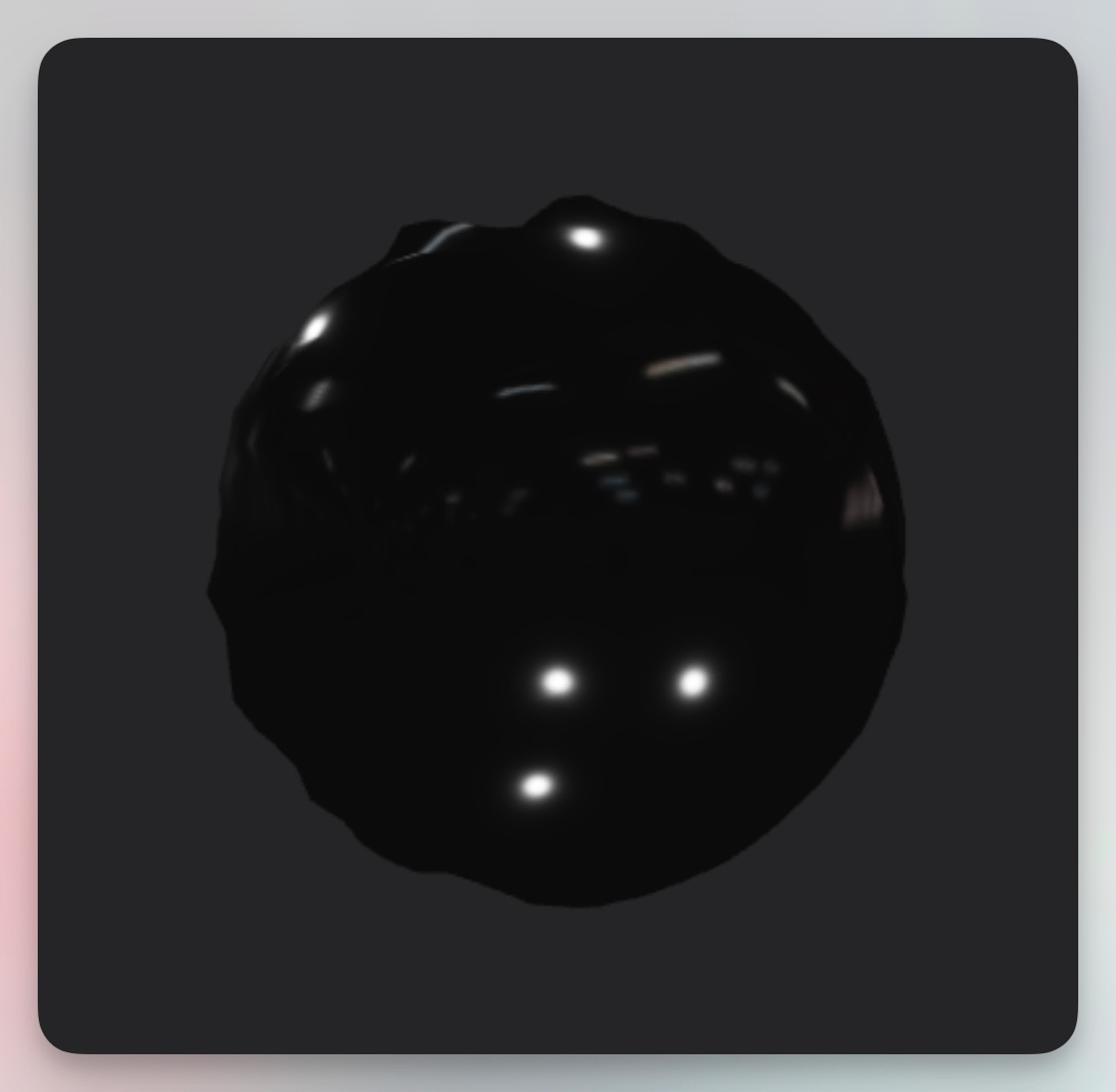
The Ferro Fluid visualizer simulates the behavior of magnetic ferrofluid — a liquid sphere that forms spiky, organic shapes when exposed to magnetic fields. In Banger.Show, this effect reacts to your audio, creating mesmerizing, flowing shapes that pulse and morph with your music. It's perfect for creating an otherworldly, sci-fi aesthetic.
Properties
Color
Sets the base color of the ferrofluid. Dark colors like black or deep purple create a classic ferrofluid look, while brighter colors give a more stylized appearance.
Opacity
Controls how transparent the ferrofluid appears (0–1).
Intensity
Controls how reactive the fluid is to audio (0–500). Higher values create more dramatic spikes and movement in response to sound.
Pattern
Adjusts the surface pattern detail (0–0.03). This affects the complexity of the fluid's surface texture and spike formations.
Roughness
Controls the surface reflectivity (0.1–0.35). Lower values create a shinier, more metallic appearance, while higher values make it more matte.