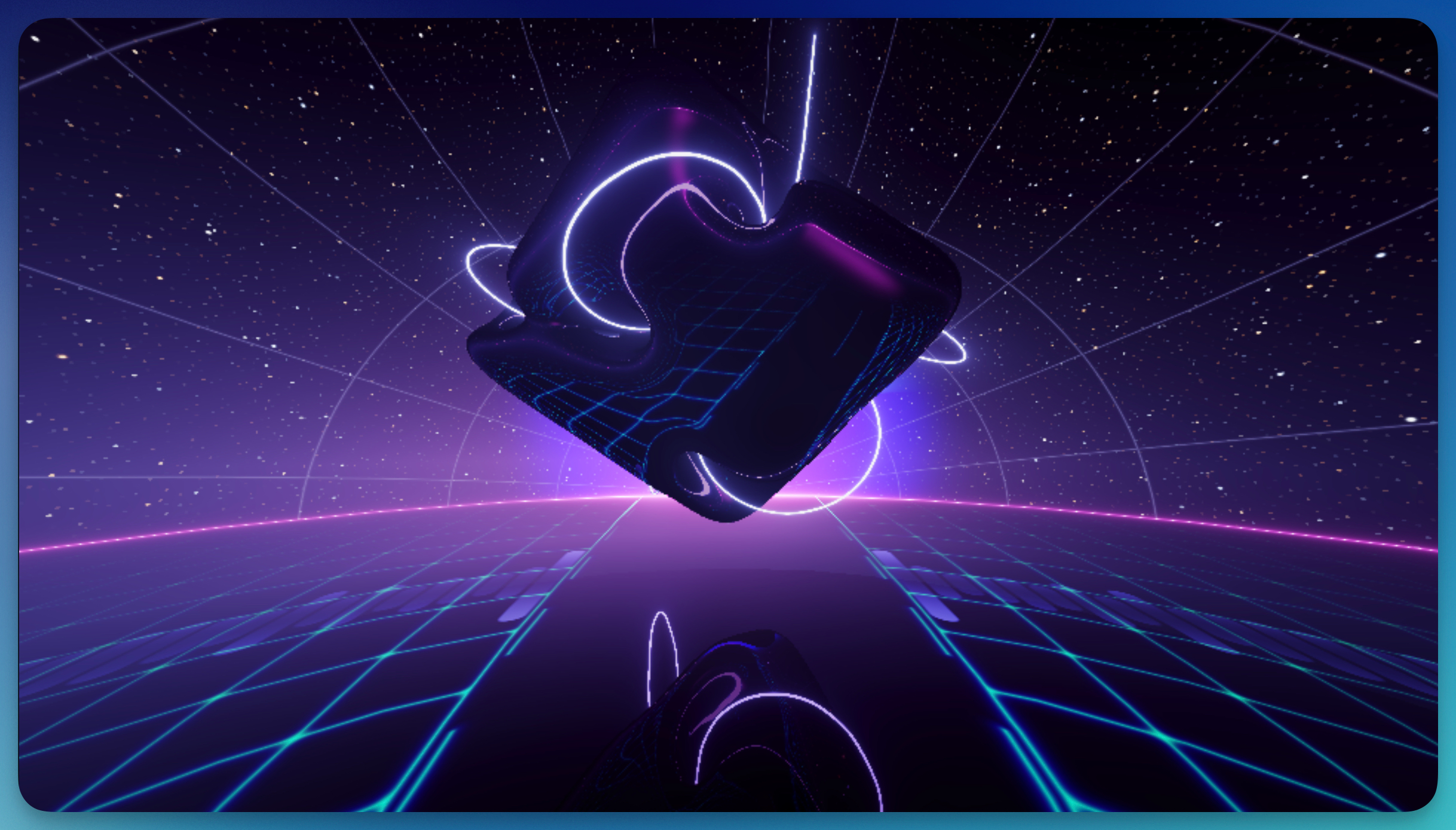
The Shader background creates dynamic, animated visuals powered by GPU shaders. Choose from over 30 pre-built shader effects, from hypnotic fractals to synthwave landscapes that continuously animate and react to your audio. Most shaders are audio-reactive, meaning they pulse, morph, and intensify based on your music's frequencies and beats. Each shader comes with various customizable parameters to fine-tune the look, and these parameters can be animated with keyframes for even more dynamic results.
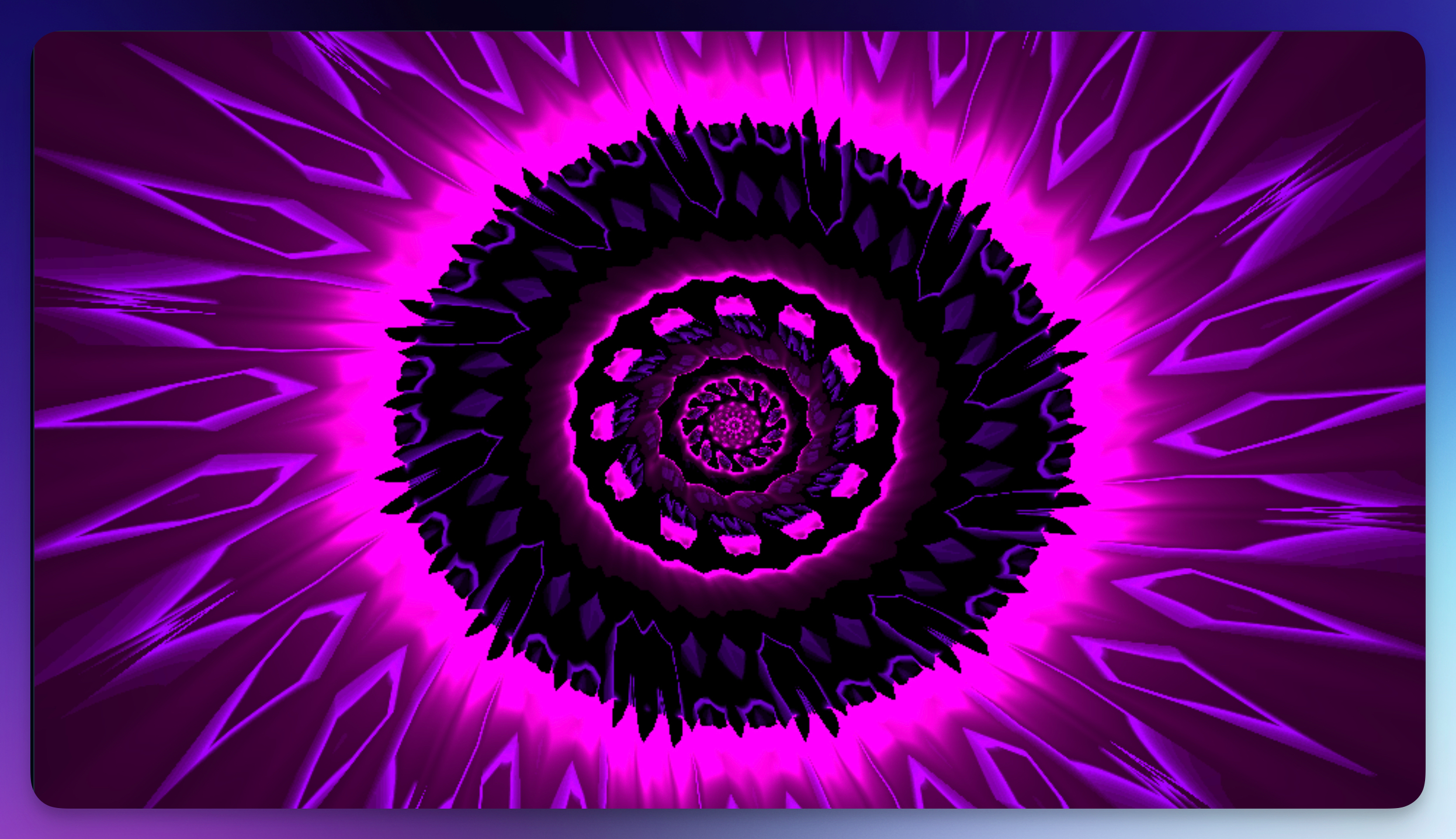
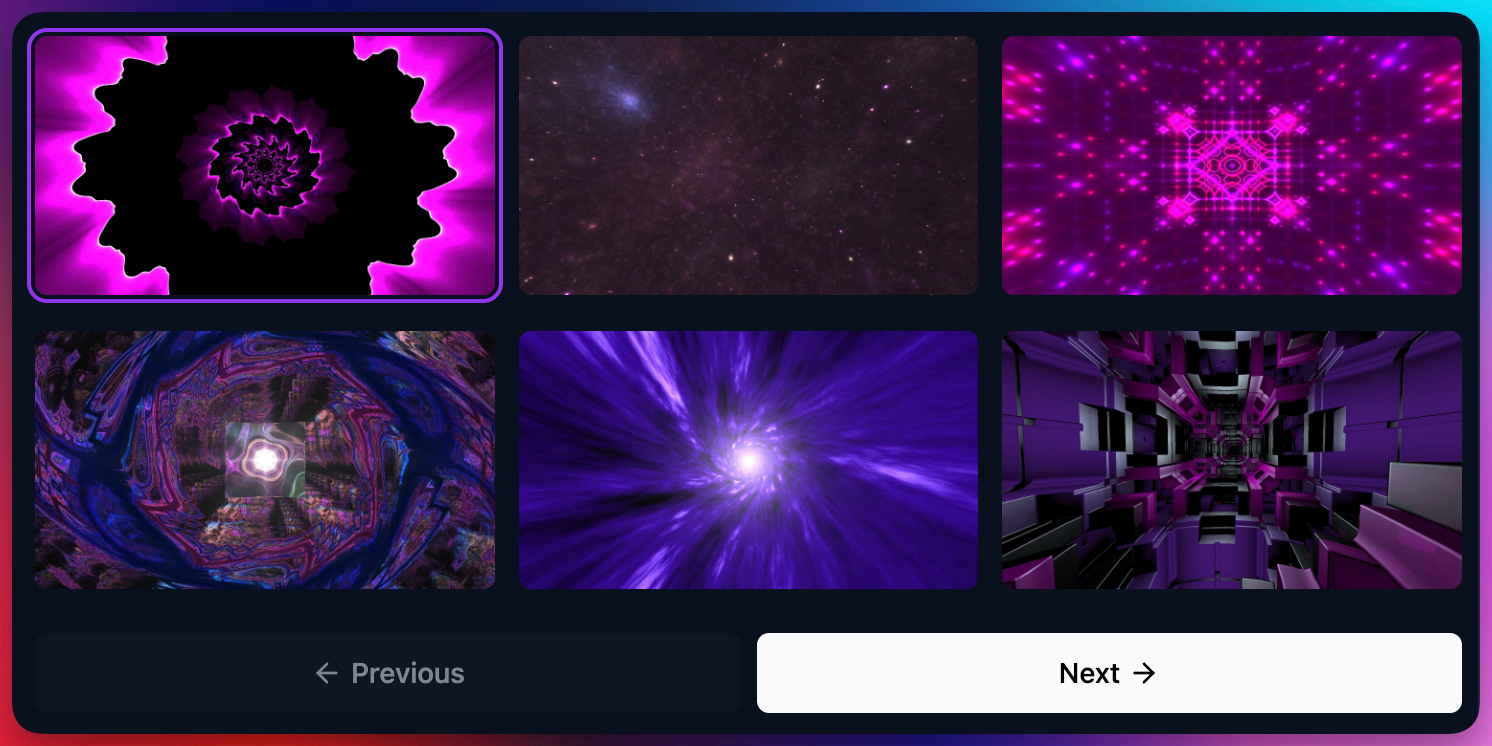
Available Shaders
Banger.Show includes a curated collection of animated shader backgrounds. Each shader has its own unique visual style and customizable properties:
Psychedelic & Abstract: Trip, Fractals, Shrooms, Kaleidoscope, Acid, Hypno, Psycho, Mind
Space & Cosmic: Space, Moon, Atmosphere, Mist
Urban & Scenic: City, Synthwave, Rooftop, Cathedral
Nature & Organic: Flowers, Sea, Waves, Rain, Downfall
Geometric & Technical: Hyperloop, Rails, Plexus, Hexler, Cube, Eye
Color & Pattern: Basic, Palette, Distorsi, Shift, Quick, Follow, Pulse
Browse the Shaders section in Backgrounds, with rendered thumbnails and animated hover previews. After adding one, use the shader selector in the inspector to switch shaders or customize its properties.
AI clip selection + shader mix
Banger.Show AI can pick and place a mix of shader and video clips on your timeline based on your prompt, selected pace, and beat-aware placement.
You can then keep refining the result manually:
- swap shaders from the catalog
- tweak shader parameters
- mix built-in shaders with Custom Shader clips
If you want to write or generate your own GLSL shader, check the Custom Shaders guide.
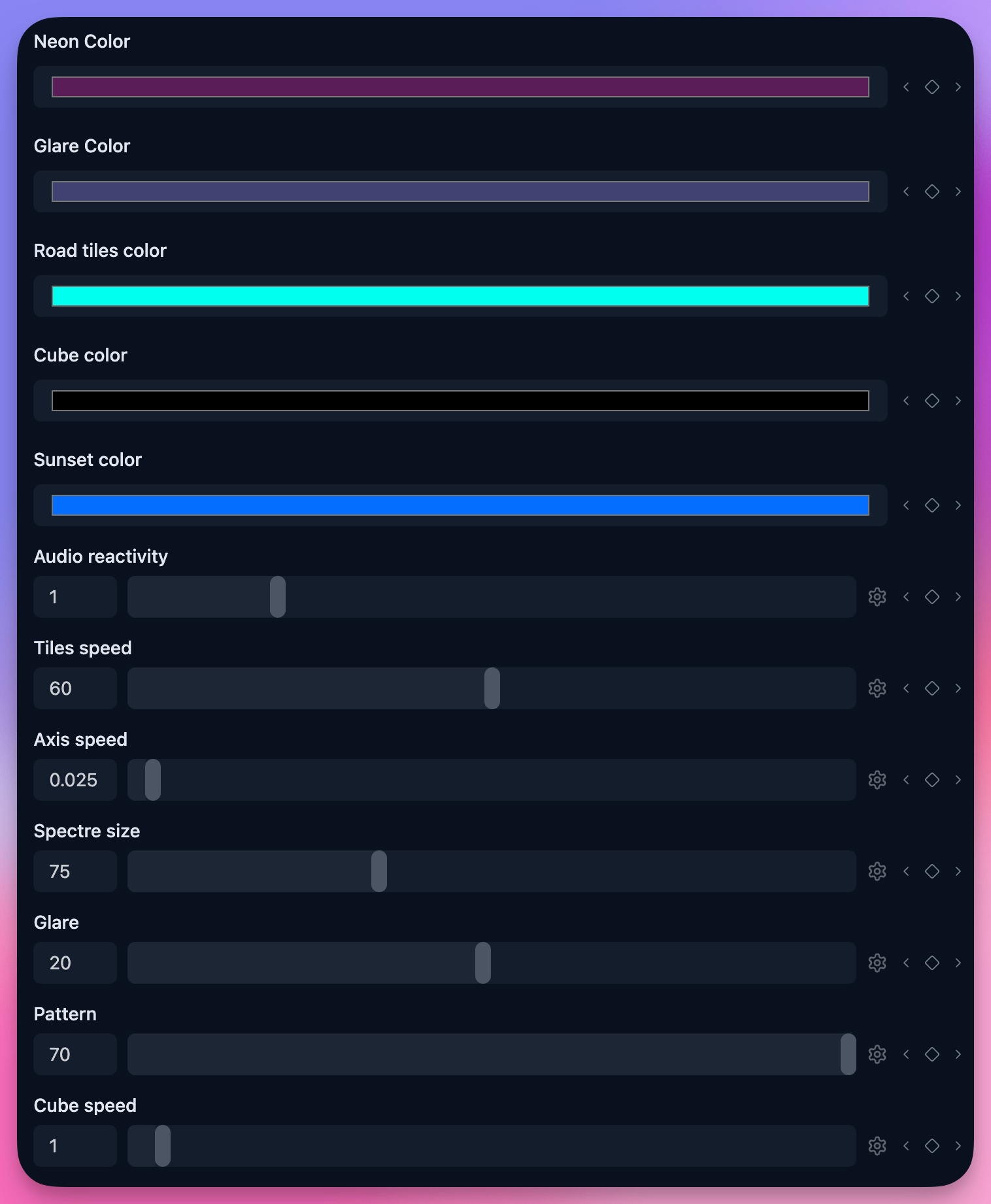
Properties
Each shader has its own unique set of customizable properties. Common property types include:
Color Properties
Many shaders let you customize their color palette. Adjust primary and accent colors to match your brand or music's mood.
Range Properties
Sliders control various aspects like speed, intensity, scale, and complexity. These properties can be animated with keyframes to create dynamic transitions.
Boolean Properties
Toggle switches enable or disable specific shader features like glow effects, distortion, or color cycling.
File Properties
Some shaders let you upload a custom image as a texture, allowing you to blend your own artwork with the animated shader effect.