
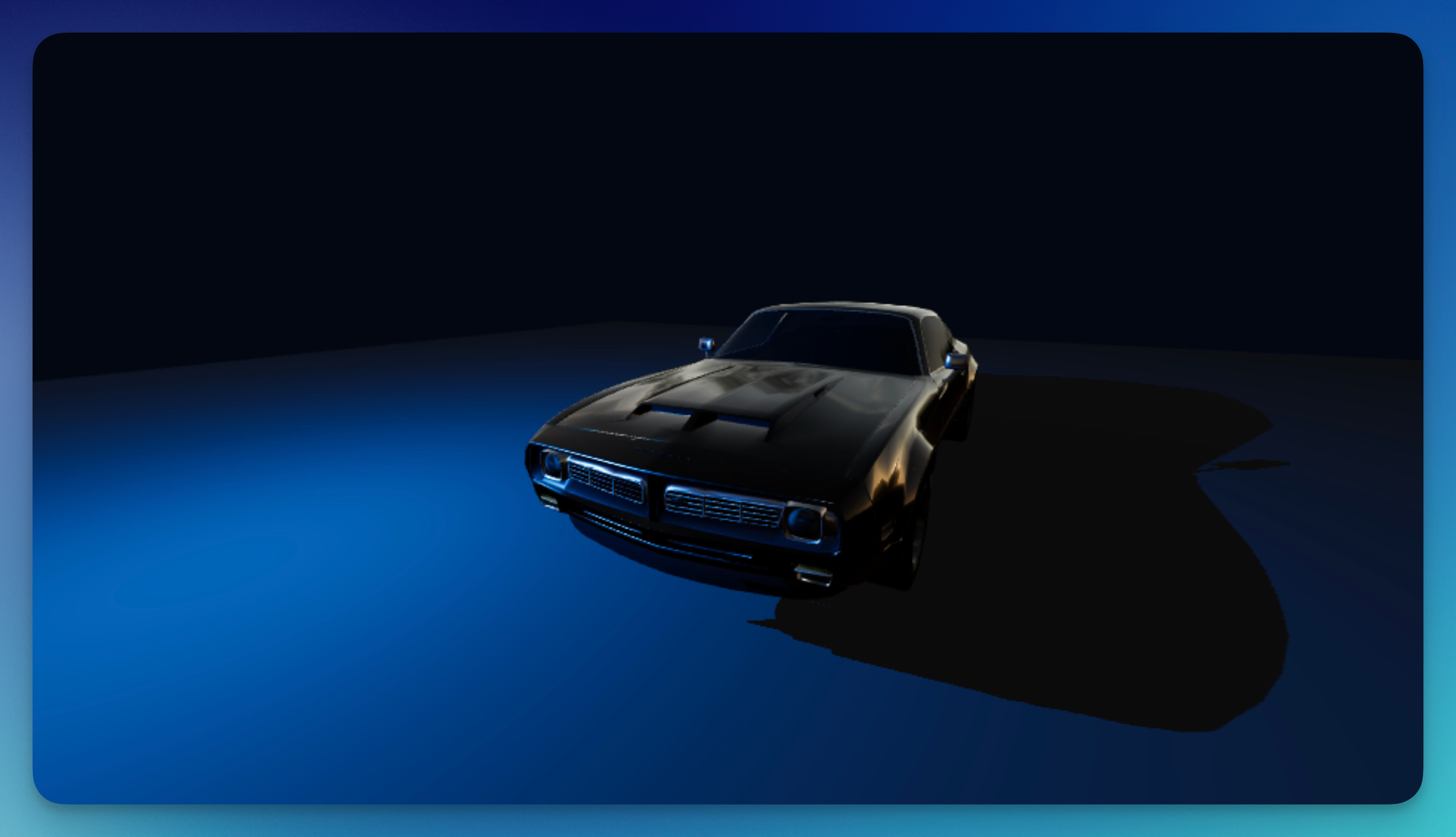
The Point Light emits light equally in all directions from a single point, like a light bulb or glowing orb. Unlike Spot Lights which focus in one direction, Point Lights illuminate everything around them within their range. They're ideal for general scene illumination, creating ambient glow effects, or simulating light sources like lamps and stars.
Properties
Intensity
Controls the brightness of the light (0–500). Higher values create stronger illumination. This property supports audio reactivity, so you can make the light pulse with your music's beats.
Distance
Sets the range of the light's influence (0–64). Objects beyond this distance won't receive light from this source. Increase for broader coverage or decrease for a more localized glow effect.
Color
Sets the color of the light. The color affects all surfaces the light touches, tinting them accordingly. Use complementary colors to your scene for cohesive aesthetics.