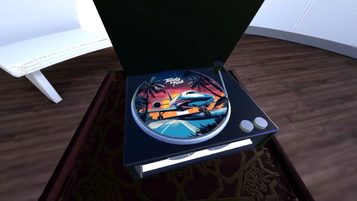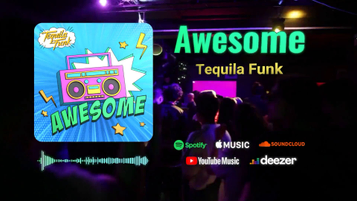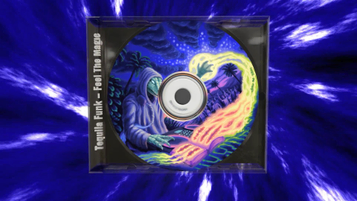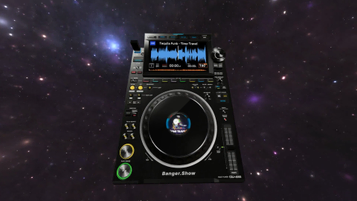
How to make a short music promo video
Combine album art, artist text, audio, and a background template into a quick vertical MP4. No editor timeline needed.
1. Choose background
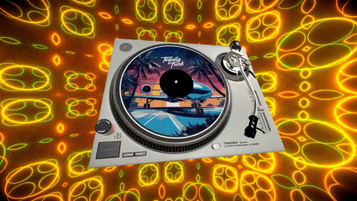
Select a background video from the collection of professionally designed templates. Each template is optimized for social media and can be customized to match your style.
2. Add artist info
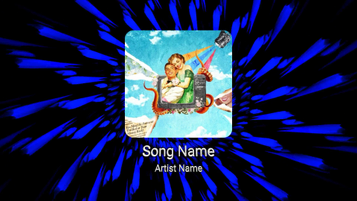
Enter your artist name and song title. This information will be beautifully displayed in your video, helping to build your brand and make your content instantly recognizable.
3. Upload artwork
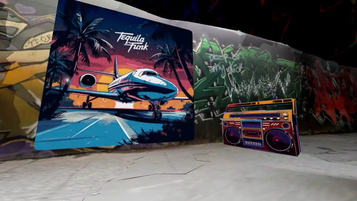
Add your cover art or promotional image. This will be integrated into the video design, creating a cohesive visual identity for your music.
4. Add your music
Upload your audio track and choose the section you want to feature in the promo clip.
5. Export
Click export and get a vertical MP4 ready to share on Instagram Reels, TikTok, or YouTube Shorts.
Need an audio-reactive music visualizer?
This page is for quick album-art promo clips. For spectrum effects, reactive templates, and full visualizer exports, use the music visualizer hub instead.
Frequently Asked Questions
Everything you need to know about creating short artwork and audio promo videos with this quick tool.